
The Ultimate Guide for Switching from Windows to Mac
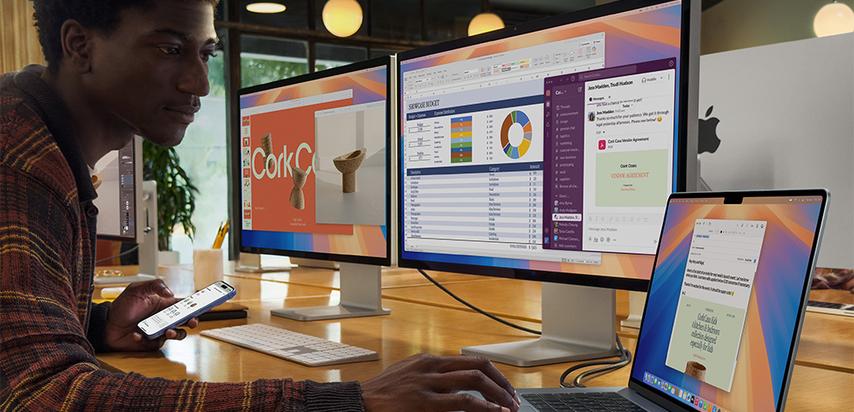
Have you just switched from Windows to Mac? Or are you thinking about making the leap? Then you’re in the right place. In this guide, you’ll discover everything you need to know to get comfortable with macOS – from interface differences to handy shortcuts and must-have apps.
What’s Different?
Interface
- Top Menu Bar: Instead of a taskbar at the bottom, Mac has a menu bar at the top of the screen.
- Dock: Similar to the Start menu, but more visual and customizable.
- Spotlight: Press Cmd + Space to quickly find apps, files, or even web results.
File Management
- Finder is the Mac version of File Explorer. It’s simpler and more visual.
- No more “C drive” – you work with a clean folder structure.
- Quick Look: Press the spacebar to preview a file without opening it.
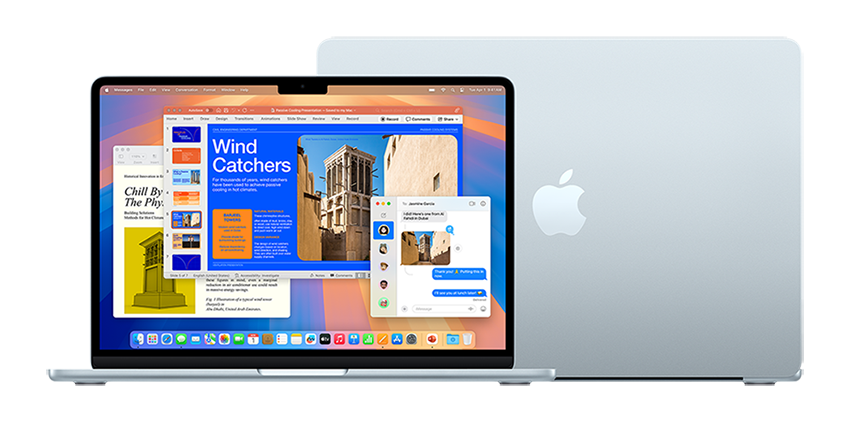
Key Settings to Adjust Right Away
- Scroll Direction: Apple uses “natural” scrolling – it takes getting used to, but you can change it in System Settings > Trackpad.
- Keyboard: The Cmd key replaces Ctrl for shortcuts.
- System Settings: Everything is neatly grouped – take a moment to explore.
Software: What to Use on Mac?
Familiar Alternatives
- Microsoft Office works great on Mac.
- Paint → use Preview or Pixelmator. Notepad → try Notes or Bear.
- Snipping Tool → built-in Screenshot tool.
Must-Have Apps
- Magnet: for window management like on Windows.
- Alfred: a more powerful version of Spotlight.
- CleanMyMac: for maintenance and cleanup.
Security and Updates
- macOS is secure by default
- Updates are automatic via System Settings.
- Check your privacy settings on first use.
Bonus: Hidden Gems
- Split View: Hold the green window button to use two apps side by side.
- Quick Look: Spacebar on a file = instant preview.
- Mission Control (F3 or Ctrl + Up Arrow): overview of all windows and desktops.
Conclusion
Switching from Windows to Mac takes a little adjustment, but with this guide, you’re well prepared. MacOS is intuitive, powerful, and designed to boost your productivity. Before long, you probably won’t want to go back.